Artflip: Serendipitous Discovery
What’s an Artflip?
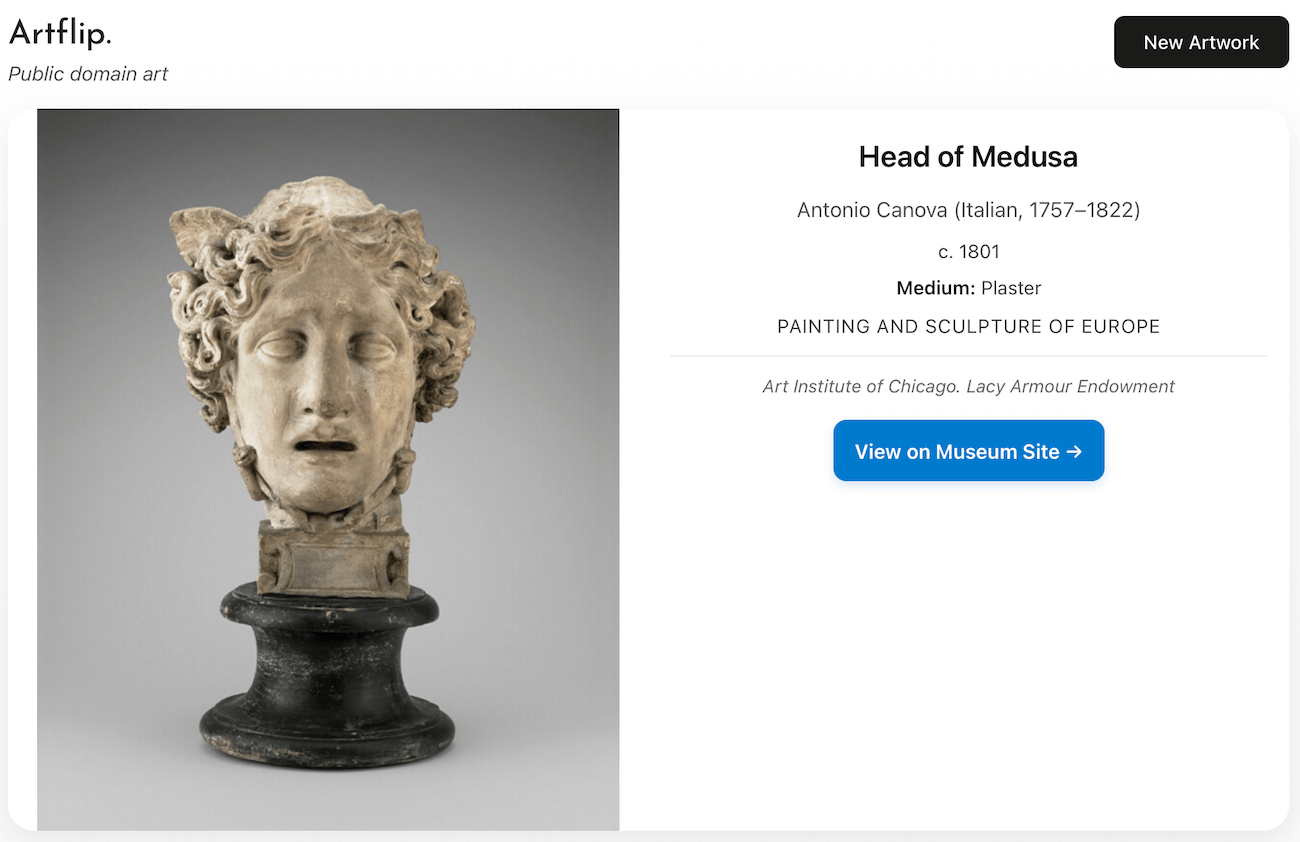
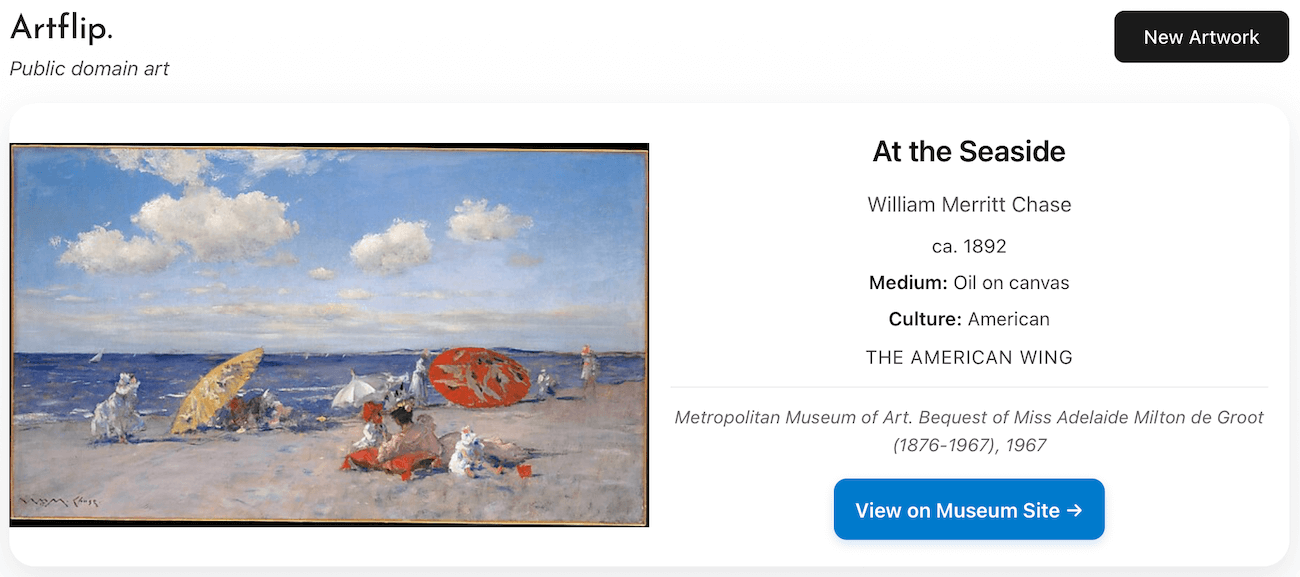
In my spare time, I’ve been building a site that surprises you with artworks from the public domain. It’s called Artflip, and you can try it here: Artflip.me.
You might be here because you’ve been there. In that case, stay here, don’t go back there. Phew.
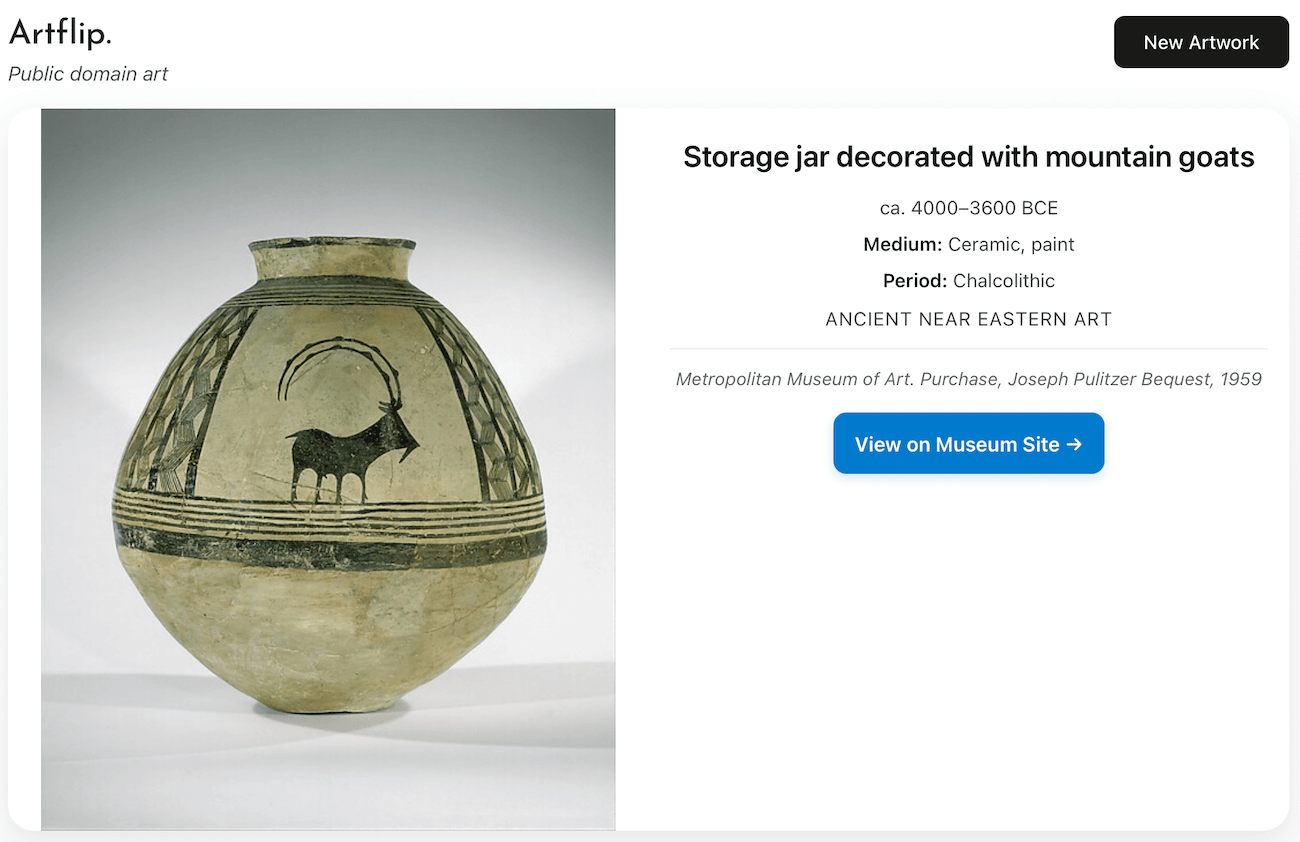
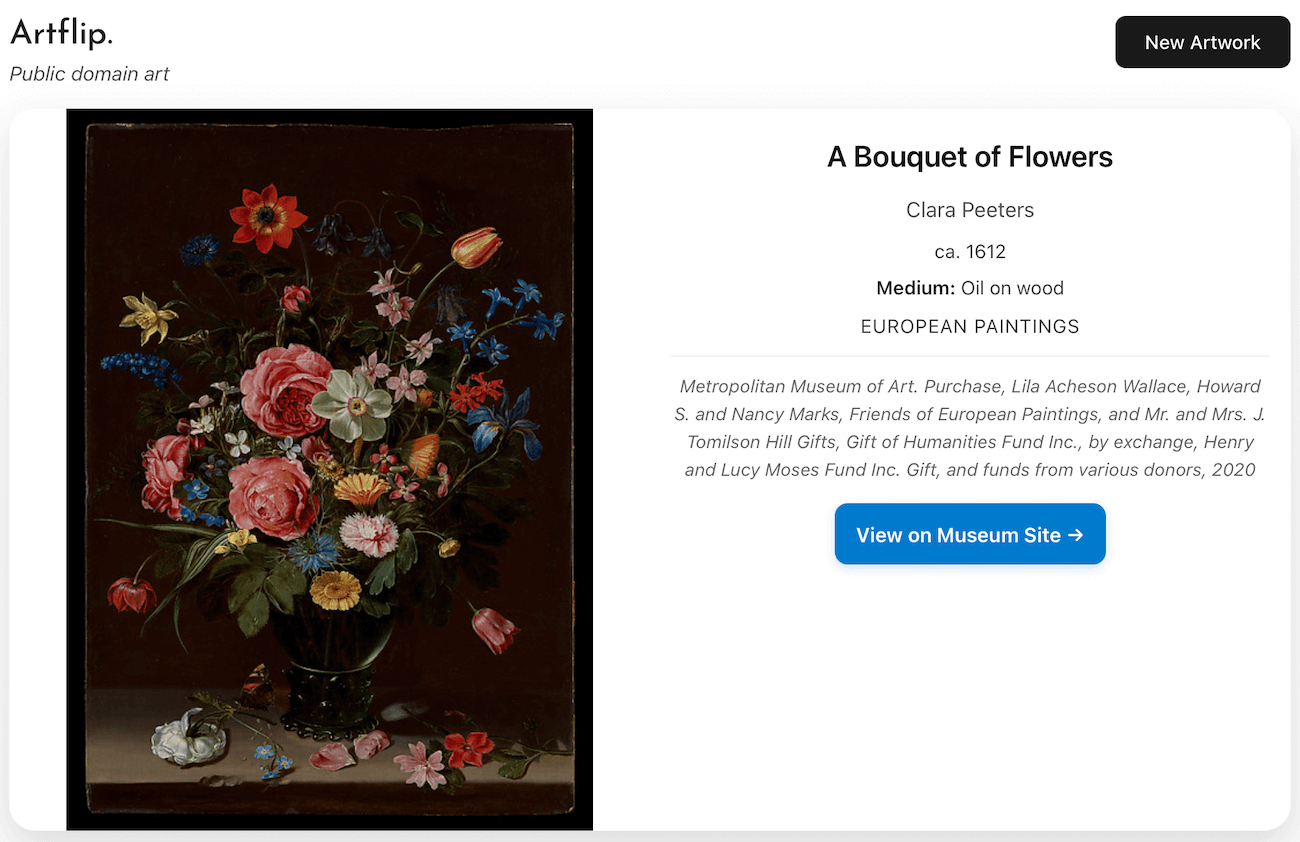
When you visit Artflip and you’ll see a random artwork. If you click ‘New’ or tap on the right 1/3 of the image, you’ll see a new artwork. And another. Sometimes a painting, sometimes a sculpture, occasionally a decorated jar from 4000 BCE. I’ve found it’s a good source of inspiration. It’s also less toxic than other scrolling options.
Why Artflip?
I had a vague ‘is this possible??’ idea recently, which you might say I have indulged too much. Is there an ‘easy’ (read, zero effort) way to discover public-domain art? I’ve been trying to use public-domain images in blogs and projects on-and-off for the last few years, starting in around 2017. It’s a huge pain in the bum. My enthusiasm tends to die quickly. Searching for a public-domain image requires you to:
- Have an idea of where you want to look: a museum with an open access policy, an aggregator like ‘Unsplash’
- Have an idea of what you’re looking for: a search term, an art style
- Have the patience to scroll, scroll, scroll through pages of results
You need a search strategy before you get started, and a mental model of the places you’re searching, which takes headspace and effort. There didn’t appear to me, to be a truly random or serendipitous way to be presented with something good and something free to use.
The internet is full of vast collections of public-domain art which often go underappreciated. The Metropolitan Museum of Art, the Rijksmuseum, and the Art Institute of Chicago have digitized over a million of artworks between them. They’ve also waived copyright on high-resolution images, which is a generous, but fairly uncommon, move in the GLAM (Galleries, Libraries, Archives and Museums) world.
How It Works
Artflip pulls from a collection of over 6,000 highlighted public domain artworks, sourced from the Met, Rijksmuseum, Art Institute of Chicago and the National Gallery of Art. Where possible, I’ve tried to pull artworks which have a marker of quality: art flagged as a ‘highlight’ or which is ‘on display’ in the museum. If either of those is true, then the artwork has passed a curatorial benchmark.
- Every flip is randomly chosen from the collection.
- Every image is free to reuse: print it on a t-shirt, put it in a presentation, or get it as a tattoo.
- The site is intentionally simple* and requires no user-cognition: you focus on the art, not the interface.
*Of course I would say this. I’d need a total architectural change to add a search function, so I’m happy to pretend any simplicity is by design.
Behind the Canvas: The Artflip Stack
Artflip looks pretty straightforward, and it is, but there are a few interesting things inside. I’m recording here, partly for my own record and partly for any nerds who are interested. Skip ahead if this isn’t your thing.
1. Frontend
The site is written in Svelte, a compiler-based JavaScript framework which I am a big fan of. I chose it because other modern frameworks like React are way too heavy for single page applications like Artflip. Svelte is lightweight, fast and clean.
2. Automation & Updates
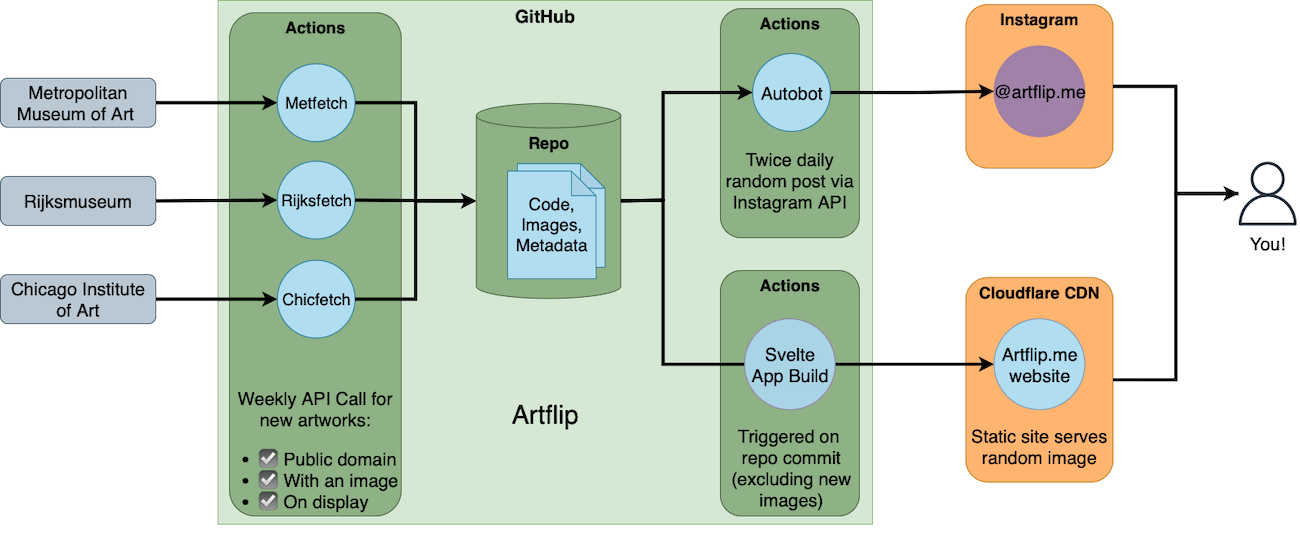
Artflip checks for new highlighted artworks added to the Met, Rijksmuseum and Art Institute of Chicago weekly through their open access APIs and adds them to the Artflip collection automatically. It does this through three Python scripts which run in GitHub Actions every Friday night. Last week they added 38 new artworks.
Artflip also posts to Instagram twice a day (under the handle @artflip.me). Getting the Instagram/Meta API to work was 10x harder than all the museum API scripting combined. But now it’s running, and it ticks along nicely. I’ve made myself redundant, which is exciting.
NB: Stopped the Instagram feed as of mid-2026, as I have consciously decoupled from Meta platforms for ethical reasons.
3. Backend
The site is hosted on the unfathomably generous free tiers of GitHub and Cloudflare. The code and automation tasks live in GitHub. The domain management and hosting are handled in Cloudflare. The only money I have spent on Artflip has been for the domain name ($15.79 thank you very much).
4. Data Sources & APIs
- The museums’ APIs are amazing, but occasionally confusing. They all have their own quirks.
- The first version of Artflip (called RandyMet - Random Met, get it?) just displayed random hotlinked images directly from the Metropolitan Museum fo Art Website. It would run an API call through a proxy, ask for all available artworks (a big clumsy request) then select one of the results at random to display. It took ages. You’d spend 60 seconds watching a spinning progress wheel before seeing any art. Often the request would just time out.
- This method worked, badly, until it didn’t. As a result of my shonky API calls, my IP address got throttled, and then blocked by the Met (sorry Met!)… which required a re-write.
- After a few conversations with friends smarter than me, I landed on a better pattern. Pull the artworks once, politely, then host and serve them myself. Almost like some kind of ‘server’… hmm, now there’s an idea.
- So I pulled the images and metadata into my own GitHub repository, and all the lag and misbehaviour disappeared.
5. AI Assistance: It’s the Vibe
Not represented in the architecture diagram above is the AI assistance I leaned on for the trickier coding. I have experience using Python for data analysis and have built simple webpages in JavaScript and Svelte pre-LLM, but plenty of what’s in Artflip was beyond my muggle capabilities. In particular, I relied on Claude Sonnet 4-4.5 to:
- solve API quirks by making best-guesses at undocumented parameters
- format Elasticsearch queries for the Art Institute of Chicago API
- guide me through the Instagram/Meta developer labyrinth
Claude also helped me automate the build process which creates the static site elements. I should mention, Anthropic’s Claude is my strong favourite of the mainstream AI LLM assistants.
I tried using ChatGPT to write some scripts but found it lazy and unreliable (please forgive the anthropomorphism). It would regularly ‘forget’ parts of my code, or suggest a generic solution to a problem I wasn’t having. When questioned, it would respond that it hadn’t actually read the code I’d shared, but made a best guess instead. I’m not sure if that’s a technical limitation, or an economic belt-tightening by OpenAI.
I tried using Google’s Gemini but found it similarly unhelpful. In one case it just told me it wasn’t capable of writing for Svelte. Which I suppose is preferable to confident hallucination.
I relied on GitHub Copilot to write my commit messages, (for non-nerds reading this, a commit message is a technical note-to-self, or note-to-others if you have more friends than I do). In fact, I completely outsourced my commit messages, because I am lazy. I think this is the most exciting AI use case: automating drudgery, summarising a range of changes across a codebase into a human-readable short message. Here’s a fun activity: below are two real commit messages from Artflip.
Can you guess which commit message, accompanying a real code update, was written by a diligent and tireless LLM, and which was written by me, a flawed and tired human man?
- “feat: update fallback object IDs for improved artwork fetching and remove caching to enhance reliability”
- “housekeeping”
I don’t need to tell you the answer. You’re right.
I wouldn’t say I’m a diehard AI fan (for the record, no AI was used to write this blog), but I’m happy to acknowledge I wouldn’t have been able to put Artflip together without it. So, thanks Claude. Thaude.
Lessons Learned
- The generosity of museums in digitising artworks and waiving copyright is extraordinary. It’s a huge investment of real money, and real time. All for a vague, diffuse public good.
- Artflip only scrapes the surface of these resources: around 0.5% of available open access artworks from these museums, but I think it feels special.
- Automation can make a tool feel alive without constant attention. Artflip’s latest Friday-night-update took place while I was splashing around at a beach with my kids, enjoying a lighter spring evening.
- Even a passing silly idea can become a passion project and maybe even something worthwhile.
Where To From Here
I’m not sure what’s next for Artflip. Some ideas I’ve considered:
- Adding another museum’s highlights to the collection (Smithsonian the next likely candidate)
- Tidying up my scripts & front-end to make a re-usable tool for collecting other things (recipes? audio samples?)
- Adding a search function… (actually, pretend I didn’t say this)
For now at least, Artflip feels finished. I’m proud of it, and I hope it sparks a small amount of joy and serendipity among anyone who visits it.
If you have suggestions, spot any ‘dud’ artworks or want to submit a pull request via GitHub, I’d be grateful to hear from you.